
On the phone-and-email system, “booked” means hours of setup packets, waiting on a rate con, and re-typing addresses into a driver text. On LoadBoot, the tap IS the booking: the rate confirmation, dispatch sheet, exact addresses and pickup numbers generate themselves in the same second. You found the load on the live board — this page is what happens when you tap.
A booking decision is really four questions: does it pay, can I get there, can I deliver on time, and who am I working with. On LoadBoot each one is answered on the card itself — computed, not claimed. (Full card anatomy is on the load board page; here is the decision layer.)
Set your cost per mile once and every load shows estimated profit — rate minus your real running cost, not gross that lies to you.
Deadhead is computed live from your GPS over real roads, and an HOS-aware chip answers it plainly: you’ll make it · tight, roll now · you’d be late.
The same clock runs to the delivery appointment — solo and team math are different, and the card knows which one you run.
The poster’s verified badge, trust score, star rating, loads delivered and on-time % sit on the card — and their accessorial rate card is in writing before you commit.
Most booking damage is self-inflicted: a load you weren’t insured for, equipment you don’t have, an appointment you couldn’t legally make. LoadBoot checks all of it in the milliseconds before the request goes out — protecting your on-time score, your account health and your reputation.
MC/DOT authority, insurance and W-9 must be verified once — then booking is one tap forever.
Hazmat loads stay locked until your hazmat certification is on file and verified.
No reefer on your fleet roster, no reefer bookings — the board checks your actual trucks.
If HOS math says you’d be late, the booking is blocked — and if a team could make it, it says so.
Pickup date passed? The card is flagged EXPIRED and can’t be booked by accident.
All trucks rolling? The board tells you before you double-commit a truck you don’t have free.
Happy with the posted rate? Send a booking request with an optional note. The broker approves with your safety record and documents in view. Nothing is committed until they approve.
Rate too low? Send your all-in counter. Approval books the load at your number, printed on the rate confirmation. Negotiation without a single hold queue.
When a broker offers a load to you with a countdown, accepting books instantly — no approval step, because they already chose you. First accept wins.
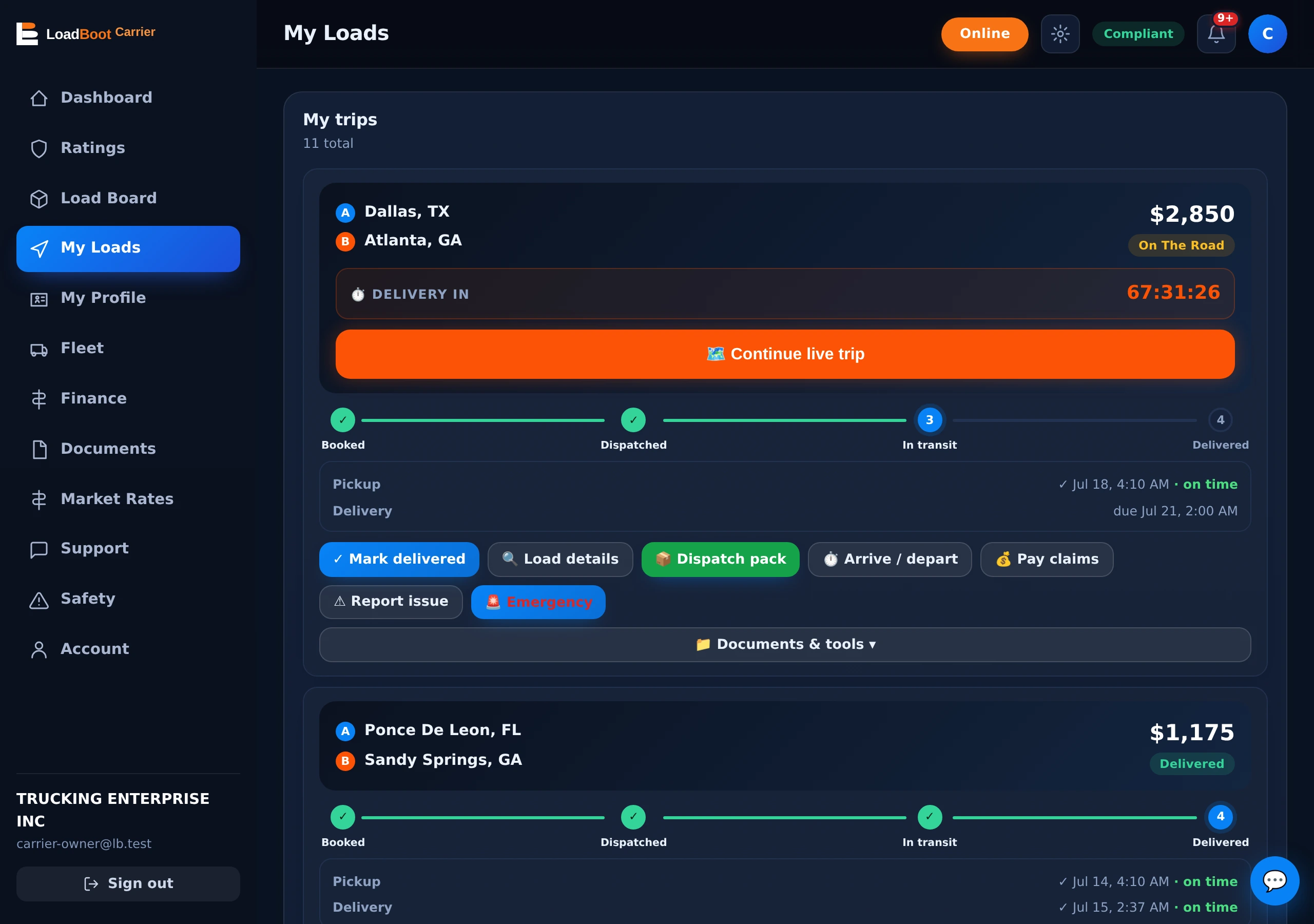
Booking is a single race-safe transaction. In one indivisible step: the load converts to a trip on your account, it leaves every other carrier’s board and inbox, competing offers auto-close, and the paperwork engine fires. There is no window — however small — where two carriers can hold the same load.
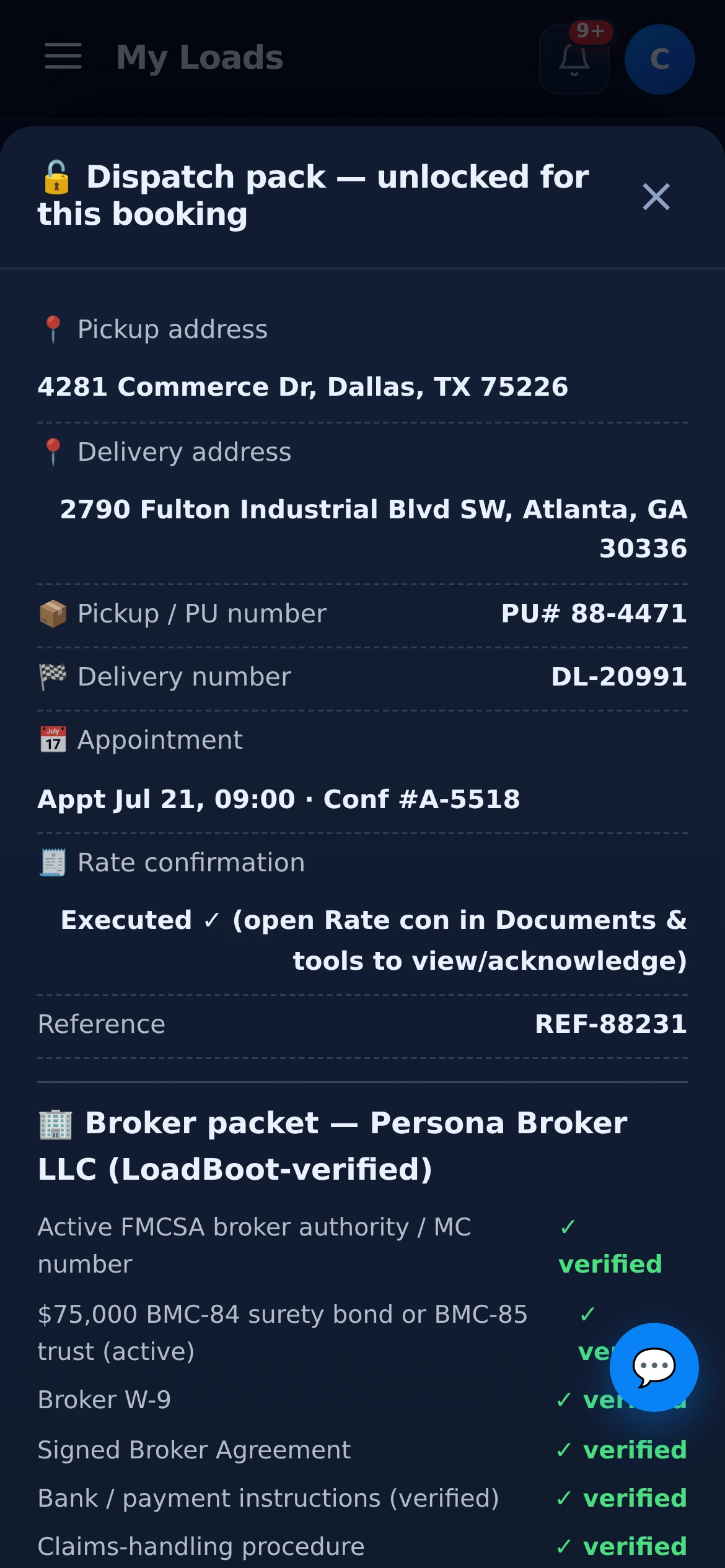
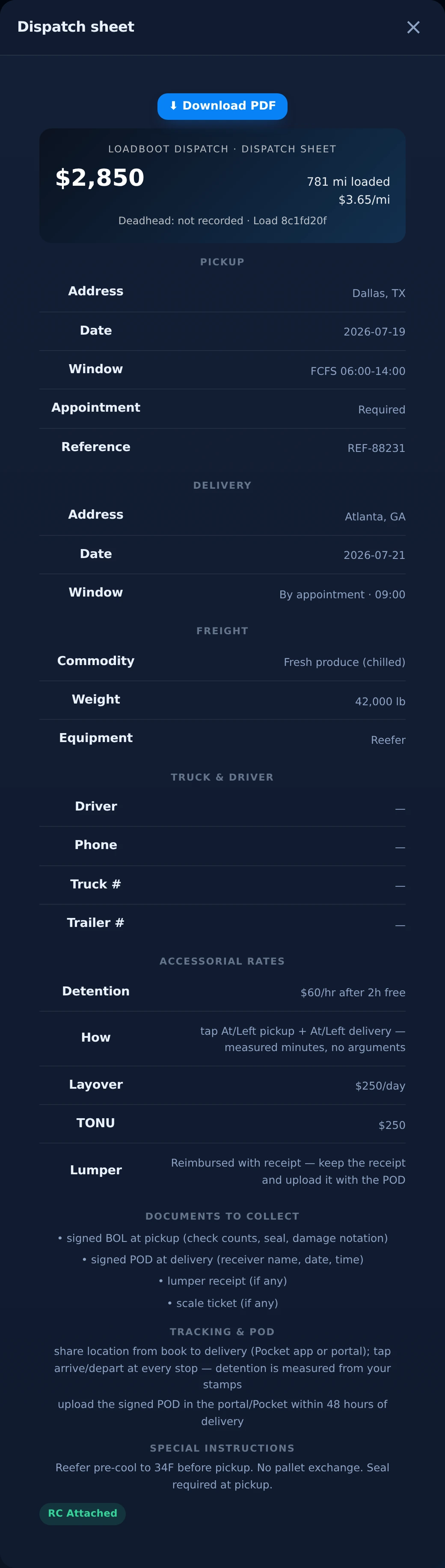
Generated the second you book, grouped the way a driver actually needs it, printable as PDF. Old-school dispatchers charge 5–10% partly to type this document; LoadBoot’s writes itself from the load data — every time, no typos, no missed pickup number.
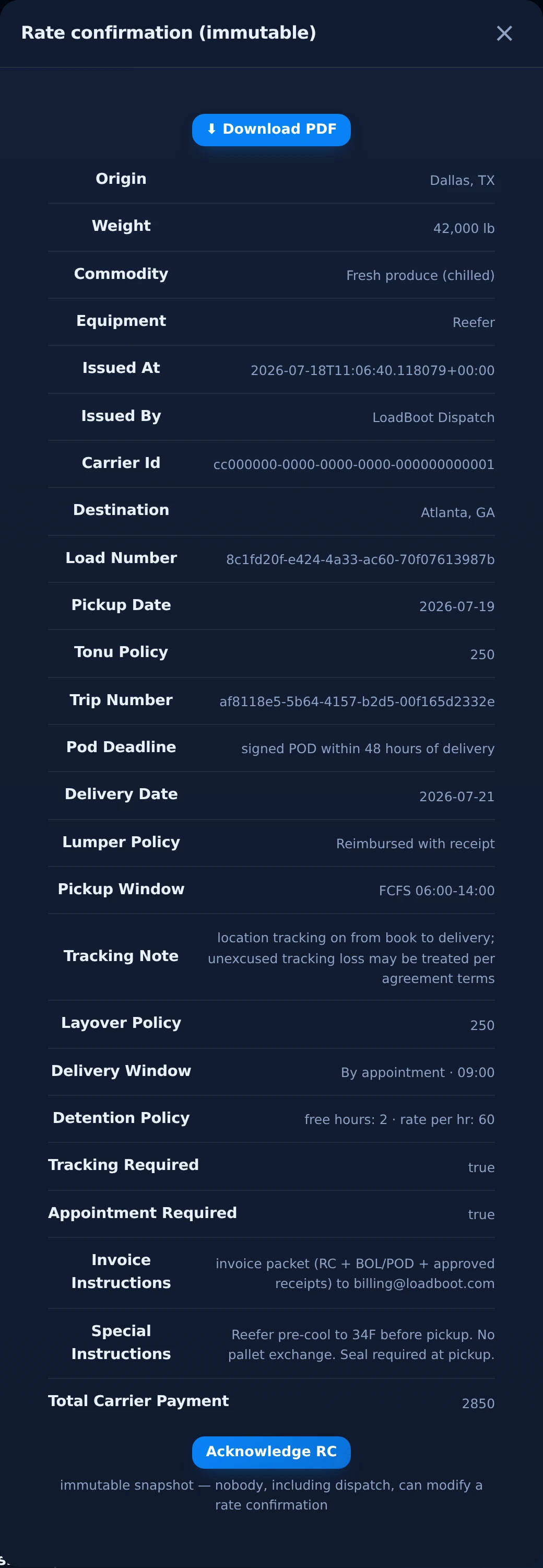
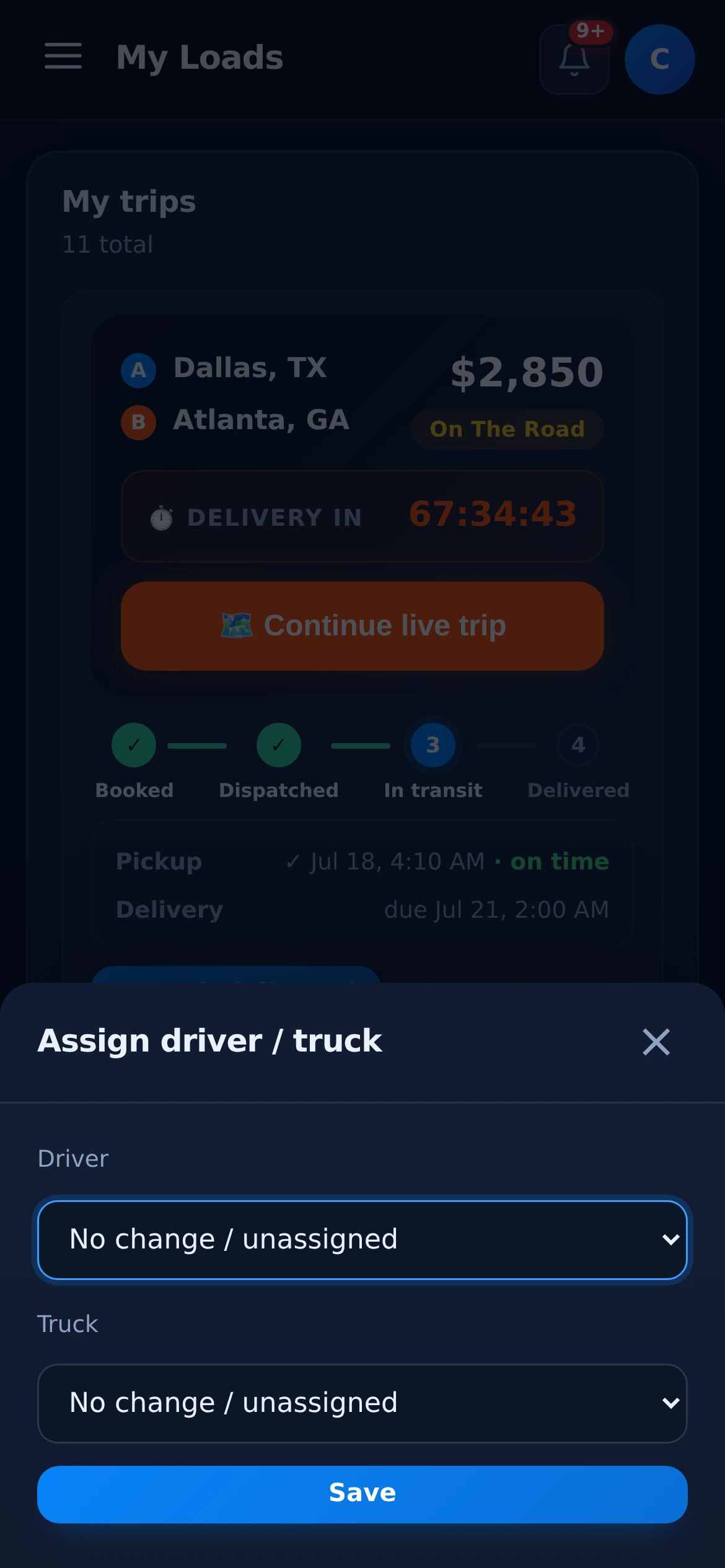
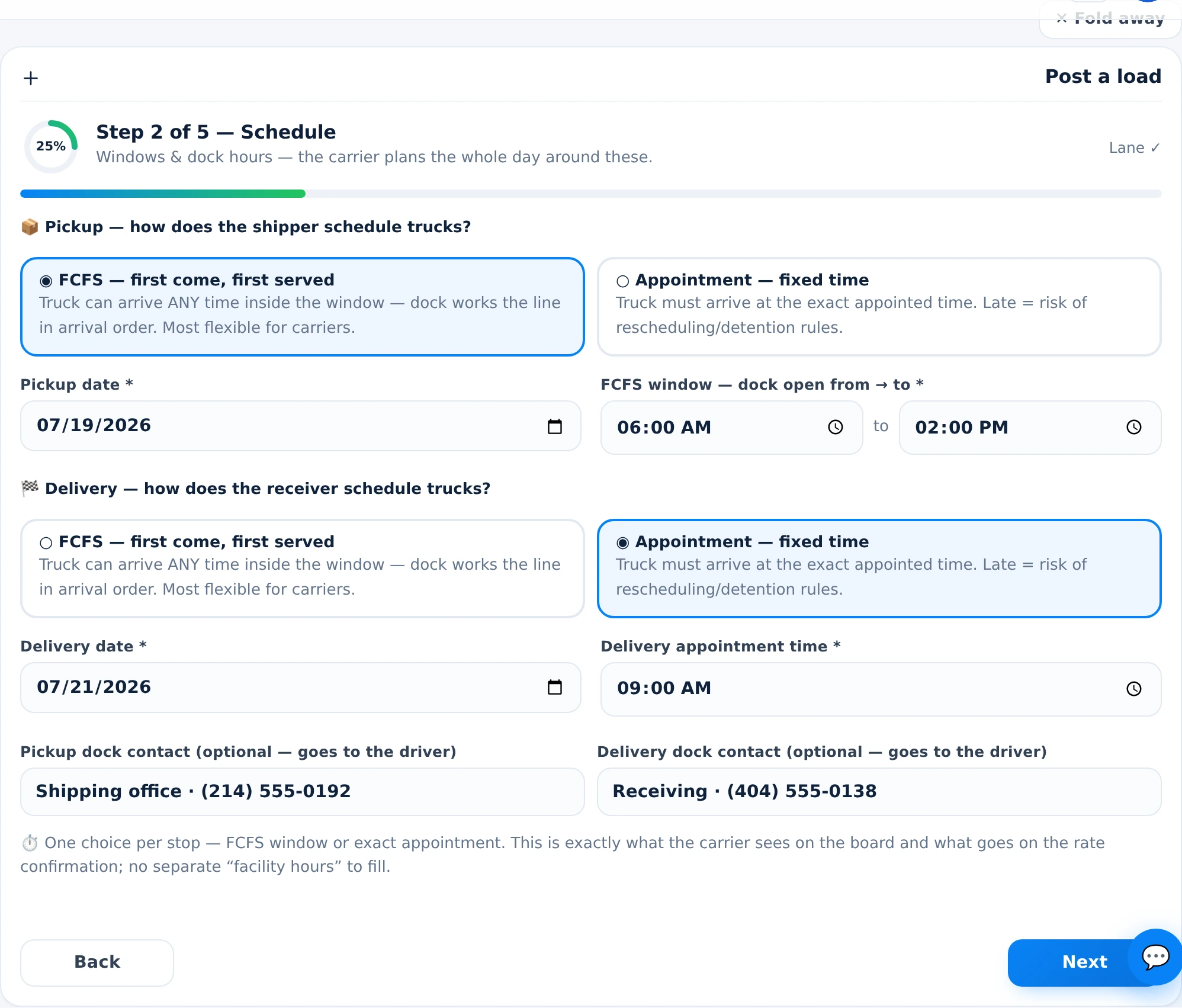
Approve requests with the carrier’s verification, safety record and documents in one view — or skip approval entirely with direct offers. Every booking lands with the same instant paperwork. Posting & offers →
Your directly-posted freight books the same way — verified carriers, instant rate con, and a live trip you can watch from the same second. Shipper account guide →
Every one-tap booking by a client you referred pays you 1% of gross on delivery. More bookings, more recurring income. Agent program →
| LoadBoot | Phone & email | |
|---|---|---|
| Time from yes to rate con | ✓ seconds — generated on booking | ✗ minutes to hours, sometimes after pickup |
| Setup packet | ✓ done once at verification, never again | ✗ emailed and re-signed per broker |
| Addresses & PU numbers | ✓ unlock automatically, flow to dispatch sheet | read over the phone, re-typed into texts |
| Rate con integrity | ✓ immutable — no edit path for anyone | ✗ “revised” PDFs appear after the fact |
| Double-booking | ✓ impossible — atomic transaction | ✗ two trucks show up; one goes home unpaid |
| Bad-fit bookings | ✓ six gates block them pre-tap | ✗ discovered at the dock |
Three ways, all in the app: (1) Request to book — send a booking request the broker approves; (2) Propose rate — send your all-in counter, and approval books the load at your number; (3) Accept a direct offer — brokers push loads to matched carriers with a countdown, and accepting books instantly. No phone calls, no faxed setup packets.
No. A booking request (with or without a proposed rate) commits nothing until the broker approves it. Only a direct-offer accept books instantly — because there the broker already chose you.
Booking is one atomic database transaction: the load converts to a trip, leaves every carrier’s board, the rate confirmation and dispatch sheet are generated into your Documents, and the booking packet — exact addresses, GPS pins, pickup and release numbers — unlocks. It takes seconds, not a day of emails.
Everything that was redacted on the board: exact street addresses for every stop, GPS pins, pickup/release numbers, delivery confirmation numbers, appointment confirmations and facility contacts — plus the broker packet with the documents you’ll need.
A one-page, printable trip brief generated automatically on booking: pickup and delivery details, freight specs, truck and driver, the accessorial rate card, documents to collect, tracking and POD instructions, and special notes — grouped so a driver can run the load without a single phone call.
No. The generated rate confirmation is immutable — there is no edit path for anyone, including LoadBoot dispatch. Any change requires a new, mutually accepted revision. You acknowledge the RC in-app and the PDF lives on the trip forever.
The board tries to stop that before it happens: an HOS-aware feasibility guard blocks bookings you can’t legally reach on time (and suggests team if only a team can make it). After booking, a verified emergency is reviewed inside a 2-hour window and rescheduled instead of charged a TONU.
No. By the time you assign a driver and truck, the trip has turn-by-turn navigation, armed geofences at every stop, a live countdown to pickup, and a documents-to-collect checklist. The first phone call most carriers make on LoadBoot is to say nothing at all.
In the Partner Portal, with the carrier’s verification status, safety record, equipment and document status in view — approve or decline in one click. Direct offers skip approval because the broker already picked the carrier.
Booking is the carrier’s side of the handshake — shippers and brokers post loads and run the offer race from the Partner Portal, then watch the booked trip live. See the load board page for the posting side.
Verify once — MC/DOT, insurance, W-9 — and booking is instant forever after.