
Request freight, get it moved by vetted, health-scored carriers under licensed brokerage — and watch every mile on the same live map the carrier sees. Facilities get dock scheduling and geofenced check-ins; your invoices ride the receipt-verified rail.
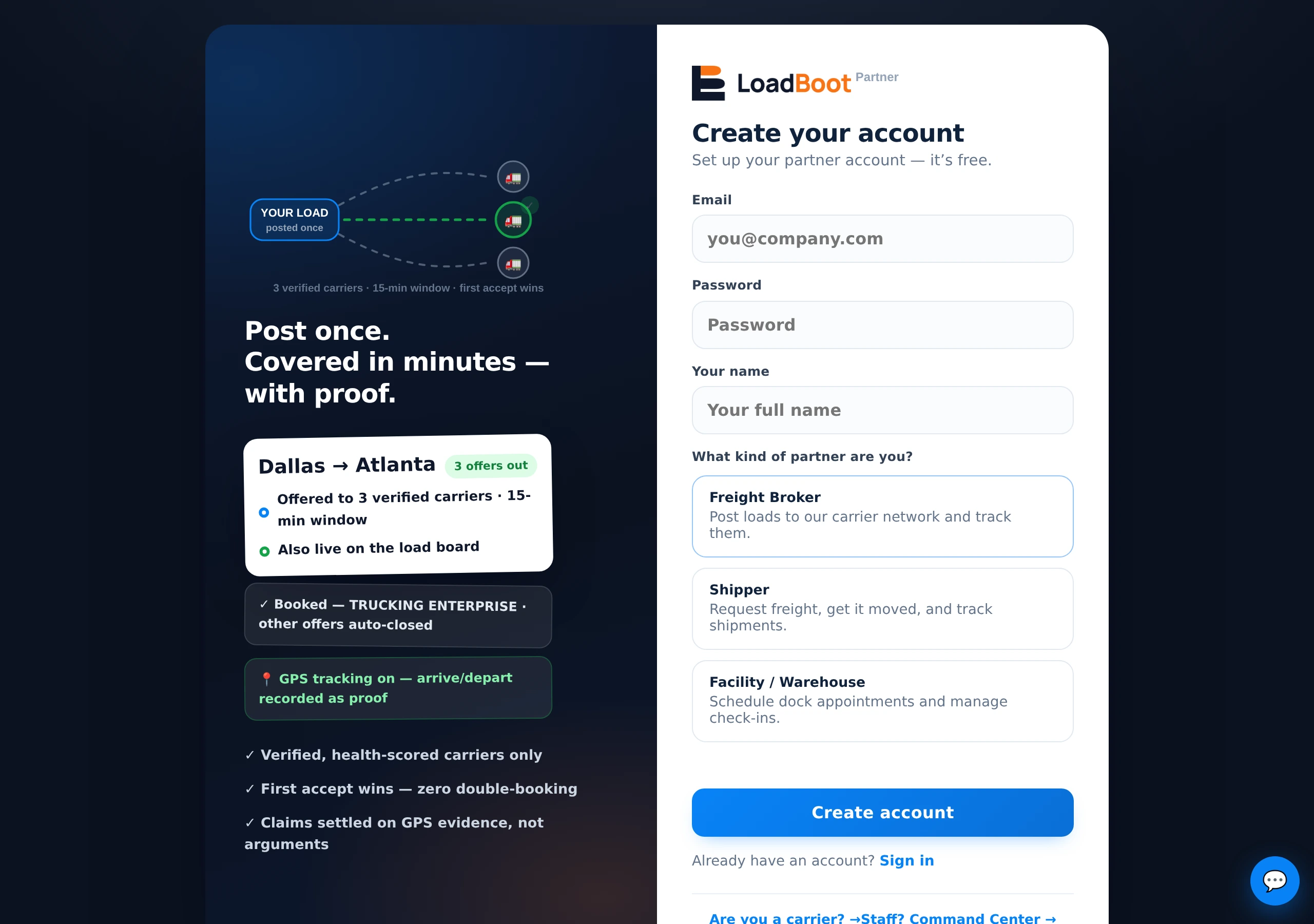
Company email, then choose Shipper — or Facility / Warehouse if your job is docks, appointments and check-ins rather than booking freight.
Legal entity and your pickup/delivery facilities — exact addresses become the GPS pins that power geofenced arrive/depart proof at your docks.
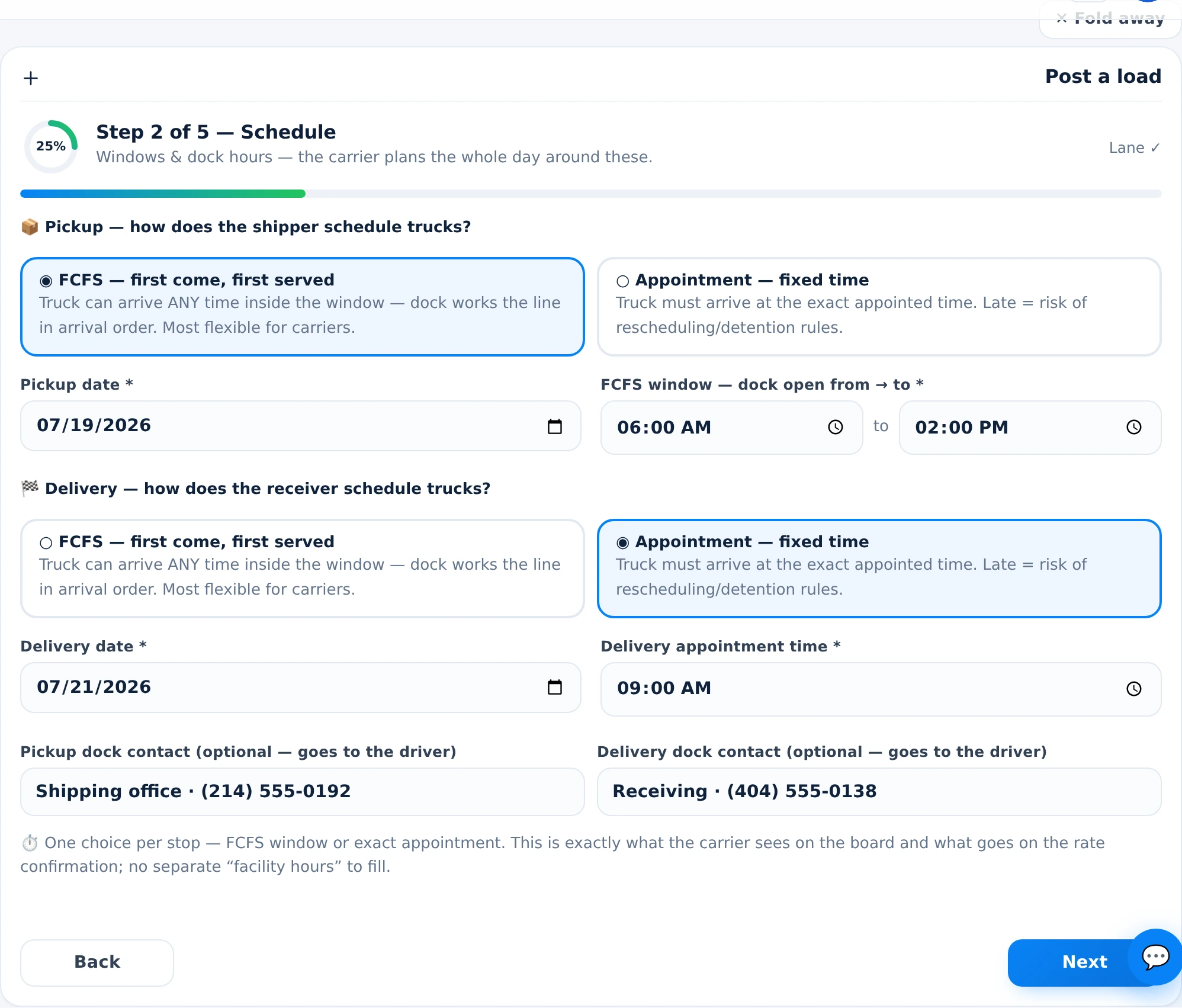
Route, schedule, equipment and requirements. Licensed brokerage handles carrier compliance; vetted carriers get offered your freight with the rate card in writing.
Live map, milestone timeline, ETA and document status. Delivery generates the paperwork trail; payments run receipt-verified with confirmations.
Legal entity and EIN / W-9 details, so contracts and invoices match your books.
Addresses, dock hours, appointment rules — the exact pins double as GPS proof of every pickup and delivery.
Where invoices land and who confirms payments in the receipt loop.
No operating authority needed — that is the carrier’s and broker’s job. Your side is the freight, the facts and the docks.
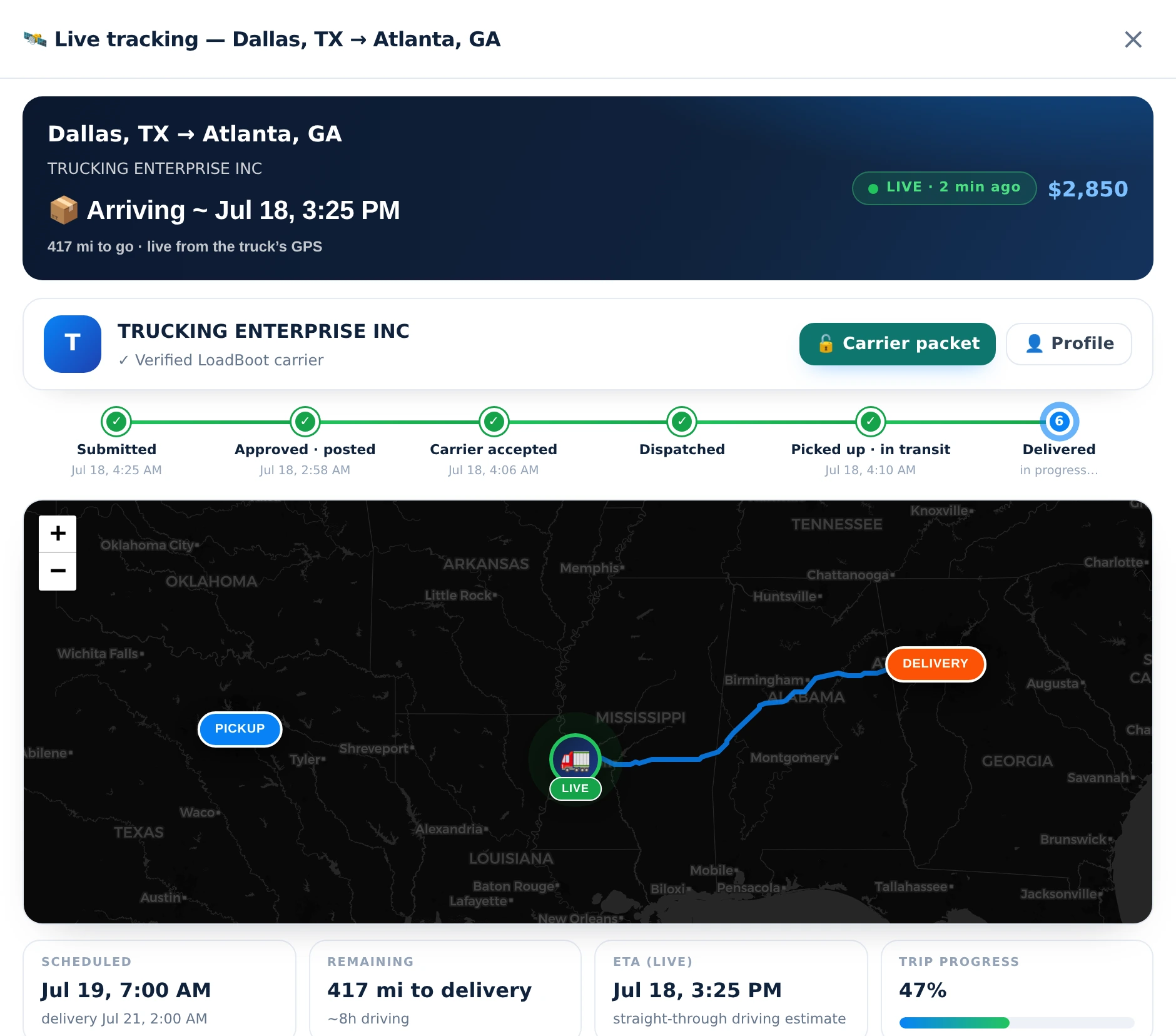
The live map and ETA answer it before anyone calls you. Stale feeds flag themselves — you are never lied to by an old dot.
Geofenced arrive/depart stamps are server-side evidence — dock disputes end against the record, in everyone’s favor.
Vetted, health-scored carriers under licensed brokerage — authority and insurance tracked continuously, not photocopied once.
Dwell time is measured at your dock the same way for every carrier — data to fix slow docks, and defense against inflated claims.
No — freight movement runs under licensed brokerage. You bring the freight and the facilities.
Yes — the Facility / Warehouse role schedules dock appointments and manages geofenced check-ins.
Permitted live load and trip status, arrival/departure records, ETAs and document status — see shipper solutions.
Invoices ride the receipt-verified rail with PAY-BY deadlines and confirmations — see payments & settlements.